

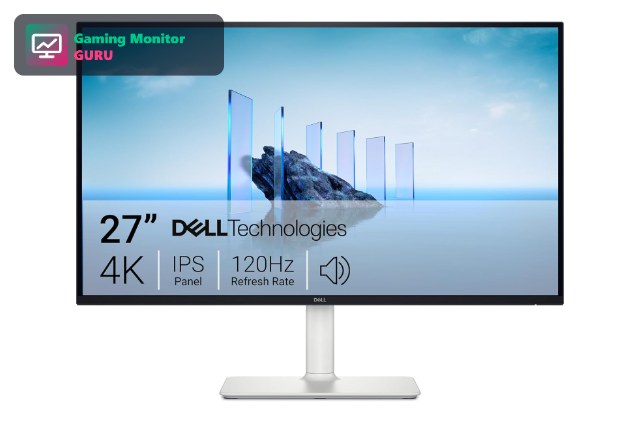
The PS5 can run supported games at 120fps, but you need a screen that can show them. A good 120Hz monitor for PS5 makes motion look smoother and cuts input delay, which helps in shooters and racing games. The catch is that 120Hz at 4K needs HDMI 2.1, while lower resolutions can work on cheaper screens.
We picked 8 monitors, from a 4K 120Hz screen to budget 1080p models, using the specs on their Amazon listings. If you want the full overview first, read our best gaming monitors for PS5; if 4K is your goal, see our 4K 120Hz monitor guide. Prices change often, so use the Check Price buttons.
It is worth setting expectations: 120Hz on PS5 is a game-by-game feature. Many competitive shooters, racing games and some single-player titles offer a 120fps performance mode, often at a lower resolution than the standard mode. A 120Hz monitor lets you take advantage of those modes, and it also makes the PS5 menus and any PC use feel smoother.
Top 3 Best 120Hz Monitors for PS5 at a Glance


Best 120Hz Monitors for PS5 in 2027
Compare all eight monitors below. Always check the HDMI version if you want 4K at 120Hz.
| # | Monitor | Size / Resolution | Refresh | Panel | Best for |
|---|---|---|---|---|---|
| 1 | Dell 27 Monitor S2725QS | 27″ 4K UHD | 120Hz | IPS | Best 4K 120Hz Value |
| 2 | Sony INZONE M9 II | 27″ 4K UHD | 160Hz | Full-array LED | Best Premium 120Hz Pick |
| 3 | ASUS TUF Gaming VG27AQ3A | 27″ 1440p | 180Hz | Fast IPS | Best 1440p 120Hz+ |
| 4 | CRUA 27″ 4K 120Hz Gaming Monitor | 27″ 4K UHD | 120Hz | IPS | Best White 4K 120Hz |
| 5 | Acer 27″ KB272 G0bi | 27″ 1080p | 120Hz | IPS | Best Budget 120Hz |
| 6 | Sceptre 27″ Prime Gaming Monitor E275B | 27″ 1080p | 180Hz | HDMI x2, DP x2 | Best Cheap High-Refresh |
| 7 | MSI PRO MP225 E12VL | 22″ 1080p | 120Hz | Adaptive-Sync | Best Compact 120Hz |
| 8 | LG UltraGear 27G810A-B | 27″ 4K UHD IPS | 180Hz (FHD 360Hz) | HDMI 2.1 | Best Dual-Mode 4K |
1. Dell 27 Monitor S2725QS – Best 4K 120Hz Value
The Dell S2725QS is a 27-inch 4K IPS monitor that runs at 120Hz, which is exactly the maximum the PS5 can output. For a console player who wants smooth 4K, that is the key spec.
It is a versatile screen that also works for work and media, so it makes sense if your monitor does more than gaming.
The PS5 uses its Performance Mode for 120Hz in supported games, which often lowers the resolution. On a 4K monitor, the console scales the image, and the result can look very sharp on an IPS panel.
Best for: PS5 owners who want 4K at 120Hz at a sensible price.
May not fit if: you only need a basic 1080p screen.
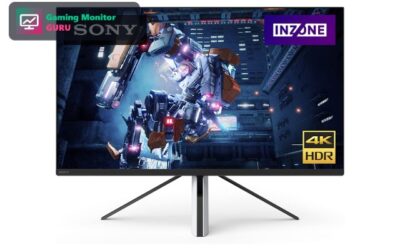
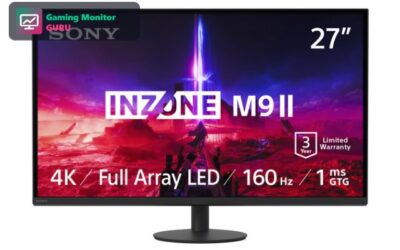
2. Sony INZONE M9 II – Best Premium 120Hz Pick
If you want the best experience, the INZONE M9 II is the pick. HDMI 2.1 supports 4K at 120Hz, and full-array local dimming gives HDR games more depth than a basic panel.
It also leaves headroom for a gaming PC with its 160Hz refresh rate.
HDR matters most in games with strong contrast such as night scenes or explosions. Full-array local dimming helps, so HDR looks better here than on edge-lit monitors.
Best for: players who want a premium 4K 120Hz and HDR experience.
May not fit if: you are on a budget.
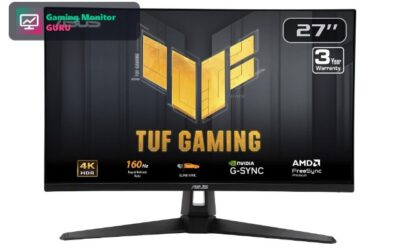
3. ASUS TUF Gaming VG27AQ3A – Best 1440p 120Hz+
ASUS says the VG27AQ3A works with PS5 and Xbox. It is a 27-inch 1440p Fast IPS monitor with a 180Hz refresh rate, so the PS5 can push 120Hz while the monitor still has headroom.
The PS5 supports 1440p output, so you get a sharp image without the GPU cost of 4K.
At 1440p, the PS5 can reach higher frame rates more easily than at 4K, which is helpful in demanding games. The monitor’s 180Hz is more than the console needs.
Best for: PS5 players who want a sharp, smooth 1440p screen.
May not fit if: you want native 4K.
4. CRUA 27″ 4K 120Hz Gaming Monitor – Best White 4K 120Hz
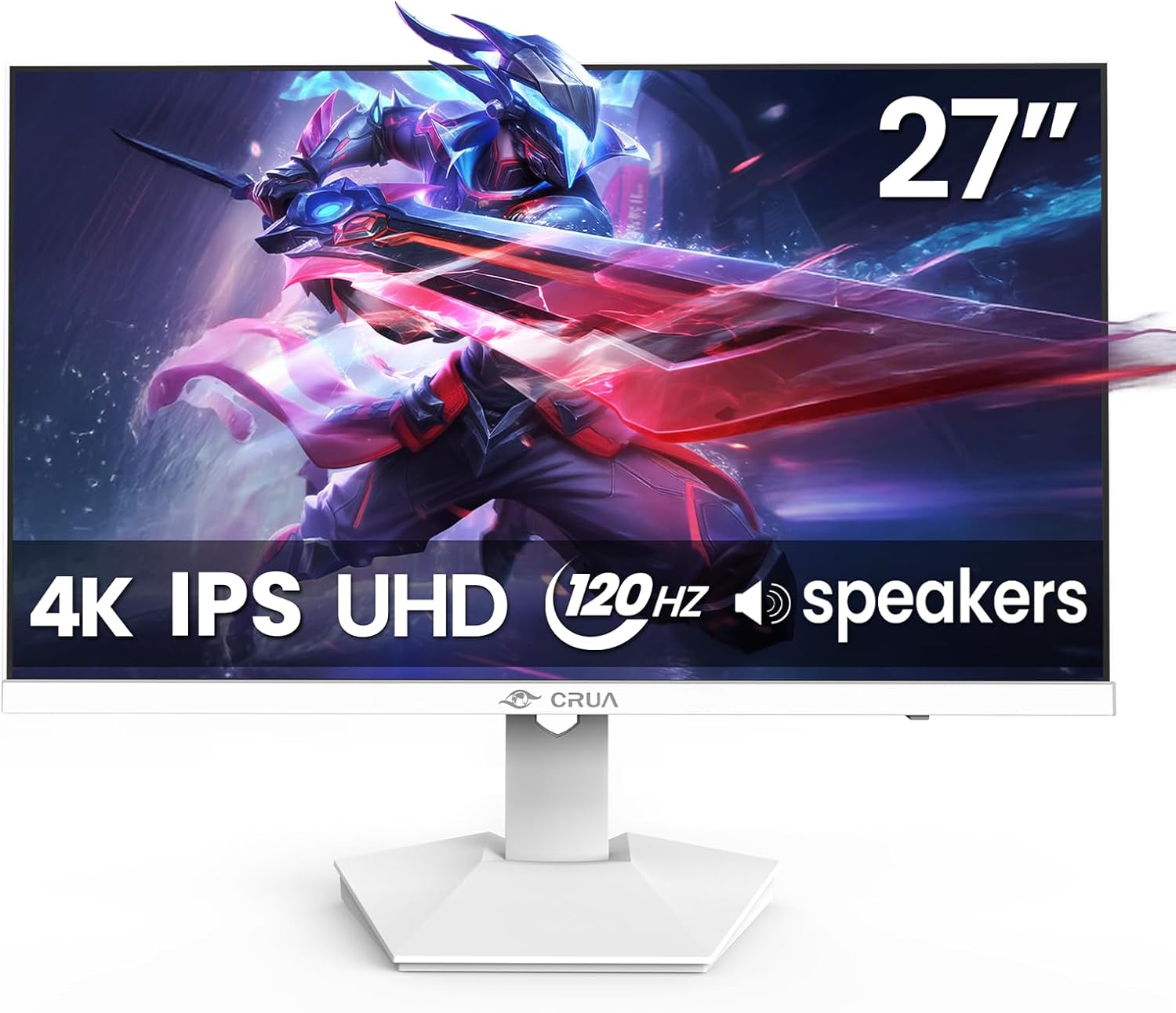
The CRUA 27-inch is a 4K IPS monitor with a 120Hz refresh rate and a white design that matches a white PS5. Built-in speakers are a nice extra.
Check the HDMI inputs and warranty on the listing before you buy.
White monitors are popular for matching white consoles and desks. Check the stand and ports, because cosmetic extras should not come at the cost of connectivity.
Best for: players who want a white 4K 120Hz monitor.
May not fit if: you want a major brand.
5. Acer 27″ KB272 G0bi – Best Budget 120Hz

The Acer KB272 is a simple 27-inch Full HD IPS monitor running at 120Hz. The PS5 can output 1080p at 120Hz, so it is a low-cost way to try high frame rates.
It works if budget matters more than resolution.
A 1080p 120Hz monitor is the cheapest way to see what 120fps feels like. If you like it, you can upgrade to a 1440p or 4K monitor later.
Best for: budget shoppers who want to try 120fps.
May not fit if: you want 1440p or 4K.
6. Sceptre 27″ Prime Gaming Monitor E275B – Best Cheap High-Refresh

Sceptre’s E275B is a 27-inch monitor with a 180Hz refresh rate, two HDMI ports and two DisplayPort inputs. That is plenty of connectivity for a console and a PC.
It is an inexpensive way to get high refresh rates, though you should confirm the resolution and HDMI version on the listing.
Two HDMI and two DisplayPort inputs mean you can connect a PS5, an Xbox and a PC at the same time and switch between them from the monitor menu.
Best for: players who want lots of inputs on a budget.
May not fit if: you want 4K 120Hz.
7. MSI PRO MP225 E12VL – Best Compact 120Hz

MSI’s PRO MP225 E12VL is a compact 22-inch Full HD monitor with a 120Hz refresh rate and Adaptive-Sync. It supports VESA mounting and tilt.
It is a good choice for a small desk or a bedroom console setup.
The monitor is small, so keep your sitting distance short. At a desk, 22 inches is comfortable for a console.
Best for: small spaces and bedroom setups.
May not fit if: you want a large screen.
8. LG UltraGear 27G810A-B – Best Dual-Mode 4K

LG’s UltraGear 27G810A-B is a 27-inch 4K UHD IPS monitor with a dual-mode refresh rate: 180Hz in 4K or up to 360Hz at Full HD. HDMI 2.1 is the key feature for a PS5, because it carries 4K 120Hz and variable refresh rate.
The 1ms response time and support for both G-Sync and FreeSync Premium make the monitor useful for a PC as well. That flexibility makes it a good long-term purchase if you may change platforms.
If you want to try both 4K visuals and high frame rate play on the same screen, this is one of the most versatile monitors in the guide.
Best for: PS5 players who also own a gaming PC.
May not fit if: you only want a simple, low-cost 120Hz monitor.
How to Choose a 120Hz Monitor for PS5
HDMI 2.1 for 4K 120Hz
4K at 120Hz needs HDMI 2.1. Cheaper HDMI 2.0 monitors can still run 1080p or 1440p at higher refresh rates. Always check the listing.
Use the HDMI cable that came with the monitor, or a certified ultra high speed cable. A poor cable can limit the signal and block 120Hz.
Which games support 120fps
Not every PS5 game has a 120Hz mode. Many shooters and racing games do, so check the game’s settings. See our 4K monitor guide for visuals.
The PS5 shows a 120Hz label on the game page and in the graphics options. Games that do not support it will run at 60fps even on a 120Hz monitor.
Resolution trade-offs
120Hz at 1080p or 1440p is easier for the console than 4K. Games often choose either higher resolution or higher frame rate.
The PS5 offers fidelity and performance modes. Fidelity favours resolution, while performance favours frame rate and sometimes 120fps.
VRR and response time
Variable refresh rate reduces tearing. Look for FreeSync or HDMI VRR support and a response time around 1ms to 5ms.
VRR helps when frame rates fluctuate between 60 and 120. Without it, you may see tearing or stutter.
Size and ports
27 inches works for most desks. Extra HDMI ports help if you connect a PC too.
If you use an Xbox or a PC as well, a monitor with several inputs saves you from swapping cables.
Frequently Asked Questions
Does the PS5 support 120Hz?
Yes, the PS5 supports 120Hz output in supported games, including 4K 120Hz with HDMI 2.1.
In the PS5 settings, open Screen and Video to check which output modes your monitor supports. Make sure 120Hz output is enabled.
Do I need HDMI 2.1 for 120Hz on PS5?
For 4K at 120Hz, yes. For 1080p or 1440p at 120Hz, a lower HDMI version may work, but check the listing.
If a game supports 120fps at 1080p or 1440p, you may be able to use an older HDMI port, but check the monitor manual for the supported modes.
Is 144Hz better than 120Hz for PS5?
The PS5 maxes out at 120Hz, so a 144Hz monitor only helps if you also play on PC. See our 144Hz monitor guide.
A 144Hz monitor can be a bargain if the price is close to a 120Hz one, but you will not see a difference on PS5.
Can I use a 120Hz monitor for work too?
Yes. Monitors like the Dell S2725QS work well for office tasks and games.
Yes, and a higher refresh rate makes scrolling and mouse movement smoother in everyday use.
Final Verdict
The Dell 27 S2725QS is our best 120Hz monitor for PS5, with 4K at 120Hz. The ASUS TUF VG27AQ3A is the best 1440p pick, and the Acer KB272 is the budget way to try 120fps.
For more options, read our gaming monitor for PS5 guide or the 4K 120Hz guide.
Write Your Review
No reviews yet. Be the first to share your experience!