

Running a game at 4K and 120fps is the headline feature of the PS5, but it only works on a monitor that accepts that signal. The best 4K 120Hz monitor for PS5 needs HDMI 2.1, a panel that handles fast motion and, ideally, good HDR.
We compared 8 monitors that run 4K at 120Hz or higher, using the specs on their Amazon listings. If you are choosing between resolutions, see our 4K monitor guide and 120Hz monitor guide, or go back to our best gaming monitors for PS5. Prices change often, so use the Check Price buttons.
4K 120Hz is the most demanding signal the PS5 can send, which is why only some monitors can show it. The monitor needs an HDMI 2.1 port, the cable has to be rated for the bandwidth and the game must offer a 120Hz mode. If any of the three is missing, the console falls back to 4K 60Hz or a lower resolution at 120Hz.
Top 3 Best 4K 120Hz Monitors for PS5 at a Glance


Best 4K 120Hz Monitors for PS5 in 2027
All eight monitors below can run 4K at 120Hz or higher. Check the HDMI inputs on the listing before you buy.
| # | Monitor | Size / Resolution | Refresh | Panel | Best for |
|---|---|---|---|---|---|
| 1 | Sony INZONE M9 II | 27″ 4K UHD | 160Hz | Full-array LED | Best Overall 4K 120Hz |
| 2 | Sony INZONE M9 | 27″ 4K UHD | 144Hz | Full-array LED | Best Proven Sony Pick |
| 3 | LG UltraGear 27G810A-B | 27″ 4K UHD IPS | 180Hz (FHD 360Hz) | IPS | Best 4K IPS Dual-Mode |
| 4 | Dell 27 Monitor S2725QS | 27″ 4K UHD | 120Hz | IPS | Best Value 4K 120Hz |
| 5 | CRUA 27″ 4K 120Hz | 27″ 4K UHD | 120Hz | IPS | Best White 4K 120Hz |
| 6 | Gawfolk 32″ 4K 120Hz Curved | 32″ 4K UHD | 120Hz | Curved VA | Best Large Curved 4K 120Hz |
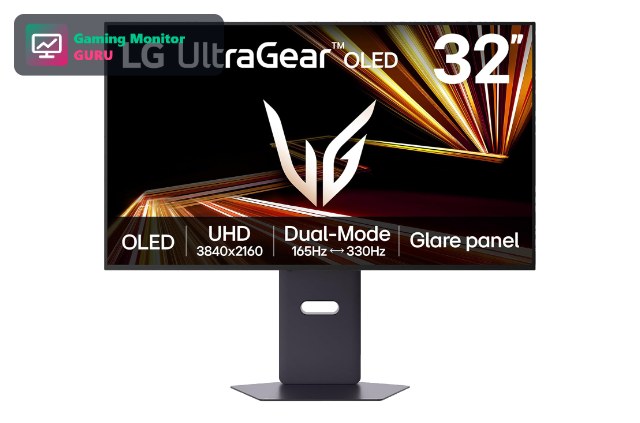
| 7 | LG UltraGear 32GX850A-B OLED | 32″ 4K OLED | 165Hz / 330Hz dual-mode | OLED | Best Premium OLED |
| 8 | ASUS TUF Gaming VG27UQ1A | 27″ 4K UHD | 160Hz | G-SYNC compatible | Best ASUS 4K 160Hz |
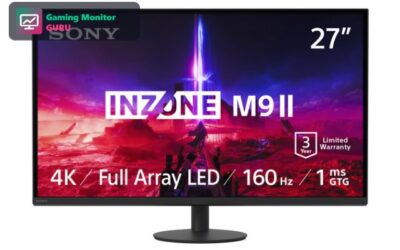
1. Sony INZONE M9 II – Best Overall 4K 120Hz
The INZONE M9 II is a 27-inch 4K monitor with a full-array LED backlight, HDMI 2.1 and 160Hz. That adds up to a very capable PS5 monitor.
Sony designed it for both console and PC gaming, so it makes sense if you plan to use both.
The M9 II is the monitor to choose if HDR is as important to you as frame rate. Full-array local dimming lets bright and dark areas coexist in the same scene.
Best for: players who want the best 4K 120Hz experience.
May not fit if: you want to spend less.
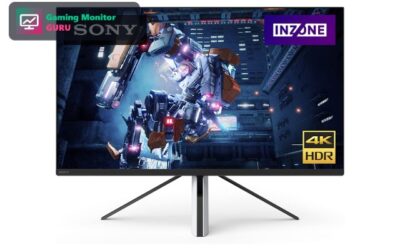
2. Sony INZONE M9 – Best Proven Sony Pick
The original INZONE M9 still has the key features for PS5: 4K resolution, 144Hz, HDMI 2.1 and full-array local dimming.
It is a good choice if the newer M9 II costs more than you want to spend.
The monitor is older but it keeps the important features: 4K, HDMI 2.1 and local dimming. Older models can be a better value when they are discounted.
Best for: players who want Sony quality for 4K 120Hz.
May not fit if: you want the newest features.
3. LG UltraGear 27G810A-B – Best 4K IPS Dual-Mode
LG’s 27G810A-B is a 4K IPS monitor with HDMI 2.1, which makes it a solid PS5 choice. It also switches to a Full HD mode with a higher refresh rate.
It is a great pick for players who split time between PS5 and PC.
IPS panels have wide viewing angles, which helps if you sit off-centre or share the screen. The dual-mode feature is a bonus for PC gaming.
Best for: players who want IPS and 4K 120Hz.
May not fit if: you want OLED contrast.
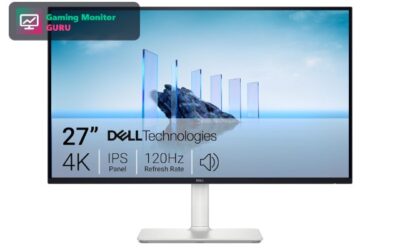
4. Dell 27 Monitor S2725QS – Best Value 4K 120Hz

The Dell S2725QS is a 27-inch 4K IPS monitor that runs at 120Hz. It is a simple, value-oriented way to get the PS5’s top output mode.
It is also well suited to office work, so it can serve as your everyday monitor.
It is not a dedicated gaming monitor, so the response time is slower, but the 4K 120Hz combination at this price is hard to beat.
Best for: shoppers who want 4K 120Hz for the lowest cost.
May not fit if: you want the fastest response.
5. CRUA 27″ 4K 120Hz – Best White 4K 120Hz
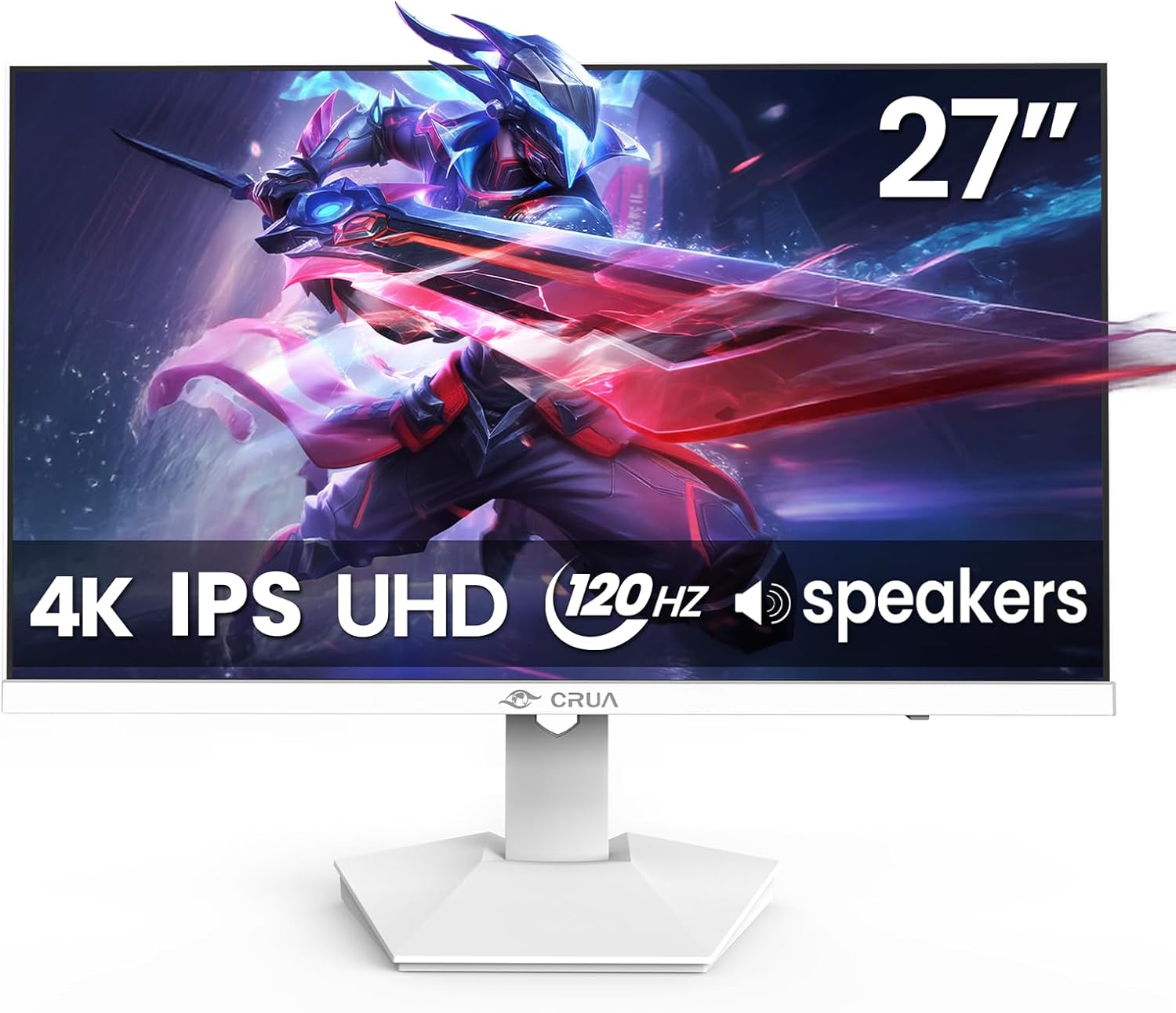
CRUA’s 27-inch monitor offers 4K at 120Hz on an IPS panel and comes in white to match a PS5 setup.
Check the ports and warranty on the listing.
White hardware is popular because it matches the PS5. Check the stand, ports and warranty on the listing for details.
Best for: players who like a white setup.
May not fit if: you want a major brand.
6. Gawfolk 32″ 4K 120Hz Curved – Best Large Curved 4K 120Hz

The Gawfolk 32-inch monitor offers 4K resolution at 120Hz on a curved VA panel. VA panels typically offer deeper blacks than IPS.
It is a budget way to get a large 4K screen.
A 32-inch 4K screen with a curve is immersive, but at 1500R it can look slightly warped in desktop use. It is better for gaming and video than for office work.
Best for: players who want a big curved screen.
May not fit if: you prefer IPS colours.
7. LG UltraGear 32GX850A-B OLED – Best Premium OLED

The 32GX850A-B is a 32-inch 4K OLED with a dual-mode refresh rate of 165Hz or 330Hz and 0.03ms response. OLED pixels switch off for true blacks.
Confirm the HDMI input supports 4K 120Hz on the listing before you buy.
OLED screens can reach very high contrast in HDR, but they are not as bright over large areas as MiniLED. They are best in dim or dark rooms.
Best for: players who want OLED contrast on a large 4K screen.
May not fit if: you are on a budget.
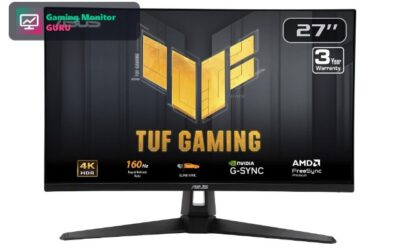
8. ASUS TUF Gaming VG27UQ1A – Best ASUS 4K 160Hz

ASUS lists the VG27UQ1A as a 27-inch 4K, 160Hz G-SYNC compatible gaming monitor in the TUF Gaming line. For a PS5 owner who wants 4K at 120Hz, the refresh rate headroom is a good sign.
The detail to verify is the HDMI input. 4K 120Hz on a console needs HDMI 2.1, so read the full specification on the listing before you place an order.
It is a sensible pick if you like ASUS and want a monitor that can also drive a gaming PC at 4K with high frame rates.
Best for: players who prefer ASUS and want a high-refresh 4K screen.
May not fit if: you need an HDMI 2.1 spec confirmed in the product title.
How to Choose a 4K 120Hz Monitor for PS5
HDMI 2.1 is required
Without HDMI 2.1 you cannot get 4K at 120Hz on PS5. Check the listing for HDMI 2.1, not just HDMI.
Enable 120Hz in the PS5 settings under Screen and Video, then check the game’s graphics options for a 120Hz mode.
VRR support
Variable refresh rate smooths out frame-rate dips. Look for FreeSync, G-SYNC compatible or HDMI VRR.
PS5 supports VRR over HDMI 2.1. Turn it on in the console settings and in the monitor menu.
HDR quality
Full-array local dimming, like on the Sony INZONE monitors, makes HDR look better than edge-lit panels. See OLED monitors for PS5 for the best contrast.
Calibrate HDR in the PS5 settings using the console’s built-in HDR test so highlights and shadows look right.
Size
27 inches is sharper on a desk; 32 inches suits a longer distance.
If you sit at arm’s length, 27 inches at 4K is very sharp. A 32-inch screen suits a slightly longer distance.
Games that support 4K 120Hz
Not every game offers a 120Hz 4K mode. Check the in-game graphics options.
Many games drop resolution to hit 120fps, so the image may not be fully native 4K even in 120Hz mode.
Frequently Asked Questions
Can PS5 run 4K at 120Hz?
Yes, in supported games and over an HDMI 2.1 connection.
The console uses dynamic resolution in many games to reach 120fps, so the image may be upscaled.
Do all 4K monitors support 4K 120Hz?
No. Many 4K monitors are limited to 60Hz or have HDMI 2.0. Always check.
Pay attention to the “HDMI 2.1” label and the maximum refresh rate at 4K, as some monitors list their top refresh rate only at lower resolutions.
Is 4K 120Hz worth it?
It is worth it for fast-paced games when the game offers a 120Hz mode.
It is worth it if you play fast games or want the smoothest picture. For slower games, 4K 60Hz is enough.
What is the best cheap 4K 120Hz monitor for PS5?
The Dell S2725QS is the best-value pick in this list.
The CRUA 27-inch is another budget option, but check the warranty.
Final Verdict
The Sony INZONE M9 II is our best 4K 120Hz monitor for PS5, the Dell S2725QS is the best value, and the LG 32GX850A-B is the premium OLED choice.
Read our 4K monitor guide and PS5 Pro monitor guide for more ideas.
Write Your Review
No reviews yet. Be the first to share your experience!