

A curved gaming monitor for PS5 wraps the picture around your field of view, which many players find more immersive than a flat panel at desk distance. The PS5 works with any HDMI monitor, so the curve is a matter of taste and the specs matter just as much.
We compared 8 curved monitors from ASUS, Samsung, LG, ViewSonic, AOC, Gawfolk and CRUA. If you prefer a flat screen, our gaming monitor for PS5 guide and 27 inch gaming monitors for PS5 cover that. For the sharpest picture, see the 4K monitors for PS5.
Curve ratings such as 1000R and 1500R describe the radius in millimetres, so a smaller number means a tighter curve. We list the curve where the Amazon title states it.
Top 3 Best Curved Gaming Monitors for PS5 at a Glance


Best Curved Gaming Monitors for PS5 in 2027
Here are all the curved monitors side by side. Curves range from the gentler 1500R to the tighter 1000R.
| # | Monitor | Size / Resolution | Refresh | Panel / Notes | Category |
|---|---|---|---|---|---|
| 1 | ASUS TUF Gaming VG32WQ3B | 32" 1440p | 180Hz | FreeSync | Overall |
| 2 | LG UltraGear 32GS60QC-B | 32" 1440p | 180Hz | FreeSync | Curved Pick |
| 3 | LG UltraGear 27GS60QC-B | 27" 1440p | 180Hz | FreeSync | 1440p Pick |
| 4 | ViewSonic VX2718-2KPC-MHD | 27" 1440p | 180Hz | FreeSync Premium | Solid Alternative |
| 5 | AOC 27" Curved QHD 180Hz Gaming Monitor | 27" 1440p VA | 180Hz | VA | Also Great |
| 6 | Gawfolk 32" 4K 120Hz Curved | 32" 4K VA | 120Hz | VA | 4K Pick |
| 7 | CRUA 32" 4K 160Hz Curved | 32" 4K | 160Hz | FreeSync | Large Screen |
| 8 | Samsung Odyssey G55C LS32CG550 | 32" 1440p | 165Hz | FreeSync | Worth a Look |

1. ASUS TUF Gaming VG32WQ3B – Best Overall
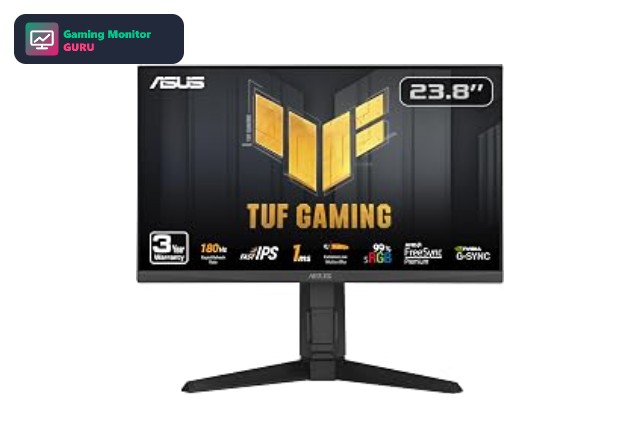
The ASUS TUF Gaming VG32WQ3B is a 32-inch 1440p QHD gaming monitor. It offers a 180Hz refresh rate. The listing quotes a 0.5ms response time. Adaptive sync comes from FreeSync. Other features mentioned in the listing include HDR HDR support and a 1500R curve.
The 1500R curve wraps the screen around your field of view, which helps with immersion at normal desk distance. The PS5 has supported 1440p output since a 2022 system update, so a 1440p monitor like this can run games above 60Hz where the game allows it, as long as the HDMI port supports the refresh rate. The 1500R curve is noticeable, which feels immersive for gaming and video but is less ideal for precise design work.
It holds a 4.5-star average from 214 Amazon ratings, which gives a useful picture of build quality and reliability.
Best for: immersive single-player games on a large curved screen.
May not fit if: you want a flat screen for design or photo work.
2. LG UltraGear 32GS60QC-B – Best Curved Pick
The LG UltraGear 32GS60QC-B is a 32-inch 1440p QHD gaming monitor. It offers a 180Hz refresh rate. The listing quotes a 1ms response time. Adaptive sync comes from FreeSync. Other features mentioned in the listing include HDR10 HDR support and a 1000R curve.
The 1000R curve wraps the screen around your field of view, which helps with immersion at normal desk distance. The PS5 has supported 1440p output since a 2022 system update, so a 1440p monitor like this can run games above 60Hz where the game allows it, as long as the HDMI port supports the refresh rate. The 1000R curve is noticeable, which feels immersive for gaming and video but is less ideal for precise design work.
It has few ratings at the moment, so treat it as a promising option rather than a proven favourite and read the latest reviews first.
Best for: immersive single-player games on a large curved screen.
May not fit if: you want a flat screen for design or photo work.
3. LG UltraGear 27GS60QC-B – Best 1440p Pick
On paper, the LG UltraGear 27GS60QC-B is a 27-inch 1440p QHD monitor with a 180Hz refresh rate. Adaptive sync comes from FreeSync. The listing quotes a 1ms response time. Other features mentioned in the listing include HDR10 HDR support and a 1000R curve.
The 1000R curve wraps the screen around your field of view, which helps with immersion at normal desk distance. The PS5 has supported 1440p output since a 2022 system update, so a 1440p monitor like this can run games above 60Hz where the game allows it, as long as the HDMI port supports the refresh rate. The 1000R curve is noticeable, which feels immersive for gaming and video but is less ideal for precise design work.
The listing has limited feedback so far, so read the newest customer reviews and check the return policy before you commit.
Best for: immersive gaming on a curved screen.
May not fit if: you want a flat screen for design or photo work.
4. ViewSonic VX2718-2KPC-MHD – Solid Alternative

The ViewSonic VX2718-2KPC-MHD is a 27-inch 1440p QHD gaming monitor. It offers a 180Hz refresh rate. The listing quotes a 1ms response time. Adaptive sync comes from FreeSync Premium. Other features mentioned in the listing include HDR10 HDR support, a 1500R curve and built-in speakers.
The 1500R curve wraps the screen around your field of view, which helps with immersion at normal desk distance. The PS5 has supported 1440p output since a 2022 system update, so a 1440p monitor like this can run games above 60Hz where the game allows it, as long as the HDMI port supports the refresh rate. The 1500R curve is noticeable, which feels immersive for gaming and video but is less ideal for precise design work.
Amazon owners rate it 4.4 out of 5 across 2,388 ratings, so there is plenty of real-world feedback to read before you buy.
Best for: immersive gaming on a curved screen.
May not fit if: you want a flat screen for design or photo work.
5. AOC 27" Curved QHD 180Hz Gaming Monitor – Also Great

AOC 27" Curved QHD 180Hz Gaming Monitor pairs a 27-inch 1440p QHD screen with a 180Hz refresh rate and a VA panel. Adaptive sync comes from FreeSync Premium. The listing quotes a 0.5ms response time. Other features mentioned in the listing include HDR HDR support.
This model is flat, so it is a useful comparison if you decide a curved screen is not for you. The PS5 has supported 1440p output since a 2022 system update, so a 1440p monitor like this can run games above 60Hz where the game allows it, as long as the HDMI port supports the refresh rate. VA panels offer strong contrast, but dark scenes can show slower pixel transitions than IPS, so check reviews for smearing if you play fast shooters.
It holds a 4.6-star average from 157 Amazon ratings, which gives a useful picture of build quality and reliability.
Best for: players who want a balanced 1440p screen.
May not fit if: you play fast shooters and are sensitive to dark-scene smearing.
6. Gawfolk 32" 4K 120Hz Curved – Best 4K Pick

Gawfolk 32" 4K 120Hz Curved pairs a 32-inch 4K UHD screen with a 120Hz refresh rate and a VA panel. Other features mentioned in the listing include a 1500R curve.
The 1500R curve wraps the screen around your field of view, which helps with immersion at normal desk distance. This is a 4K screen, so the PS5 can send a 4K picture. The title does not confirm HDMI 2.1, so expect 4K at 60Hz unless the full specification says otherwise. VA panels offer strong contrast, but dark scenes can show slower pixel transitions than IPS, so check reviews for smearing if you play fast shooters.
The listing has limited feedback so far, so read the newest customer reviews and check the return policy before you commit. The 1500R curve is noticeable, which feels immersive for gaming and video but is less ideal for precise design work.
Best for: gamers who want the sharpest picture.
May not fit if: you play fast shooters and are sensitive to dark-scene smearing.
7. CRUA 32" 4K 160Hz Curved – Best Large Screen

CRUA 32" 4K 160Hz Curved pairs a 32-inch 4K UHD screen with a 160Hz refresh rate. Adaptive sync comes from FreeSync. Other features mentioned in the listing include a 1500R curve.
The 1500R curve wraps the screen around your field of view, which helps with immersion at normal desk distance. This is a 4K screen, so the PS5 can send a 4K picture. The title does not confirm HDMI 2.1, so expect 4K at 60Hz unless the full specification says otherwise. The 1500R curve is noticeable, which feels immersive for gaming and video but is less ideal for precise design work.
It has few ratings at the moment, so treat it as a promising option rather than a proven favourite and read the latest reviews first. The title does not state the HDMI version, so check the listing before assuming 4K at high refresh rates on a console.
Best for: gamers who want the sharpest picture.
May not fit if: you want a flat screen for design or photo work.
8. Samsung Odyssey G55C LS32CG550 – Worth a Look

Samsung Odyssey G55C LS32CG550 pairs a 32-inch 1440p QHD screen with a 165Hz refresh rate. Adaptive sync comes from FreeSync. The listing quotes a 1ms response time. Other features mentioned in the listing include HDR10 HDR support and a 1000R curve.
The 1000R curve wraps the screen around your field of view, which helps with immersion at normal desk distance. The PS5 has supported 1440p output since a 2022 system update, so a 1440p monitor like this can run games above 60Hz where the game allows it, as long as the HDMI port supports the refresh rate. The 1000R curve is noticeable, which feels immersive for gaming and video but is less ideal for precise design work.
It holds a 4.4-star average from 2,195 Amazon ratings, which gives a useful picture of build quality and reliability.
Best for: immersive single-player games on a large curved screen.
May not fit if: you want a flat screen for design or photo work.
How to Choose a Curved Monitor for PS5
Curve rating
1000R is a tighter curve that matches the human field of view at close range, while 1500R is gentler and works well on 27-inch and 32-inch screens. Choose the tighter curve if you want maximum immersion.
Size and distance
Curves are most noticeable on 32-inch screens. On a 27-inch monitor the effect is subtle, which is fine if you want a flat-feeling image with a little wrap.
Resolution and HDMI
The PS5 supports 4K and 1440p output. Pick a 4K curved model for sharpness or a 1440p model for higher frame rates, and check the HDMI version for 4K at 120Hz.
Panel type
VA panels, common on curved monitors, offer strong contrast but can show slower dark transitions than IPS. Read reviews if you play fast competitive games.
Ultrawide is different
Ultrawide curved monitors are popular on PC, but the PS5 does not output ultrawide resolutions, so a standard 16:9 curved screen is the safe choice for a console.
Frequently Asked Questions
Are curved monitors good for PS5?
Yes. The PS5 works with any HDMI monitor and a curved screen can feel more immersive in single-player games.
Is 1000R or 1500R better?
1000R is a tighter curve and feels more immersive, while 1500R is gentler. It comes down to preference and screen size.
Can I use a curved ultrawide with PS5?
The PS5 does not output ultrawide resolutions, so you would see black bars. A 16:9 curved monitor is the better fit.
Do curved monitors distort the image?
Not noticeably for gaming. The curve can affect straight lines in design work, which is why it is less ideal for precise creative tasks.
Final Verdict
For most PS5 players, the ASUS TUF Gaming VG32WQ3B is the easy curved recommendation: it is a 32-inch 1440p screen with a 1500R curve and a high refresh rate. If you want a tighter curve, the Samsung Odyssey G55C and the LG UltraGear models are worth a look.
If you want the sharpest curved picture, the 32-inch 4K models from Gawfolk and CRUA bring 4K to the list, so check the HDMI details on the listing. For flat alternatives, see the 144Hz monitors for PS5.
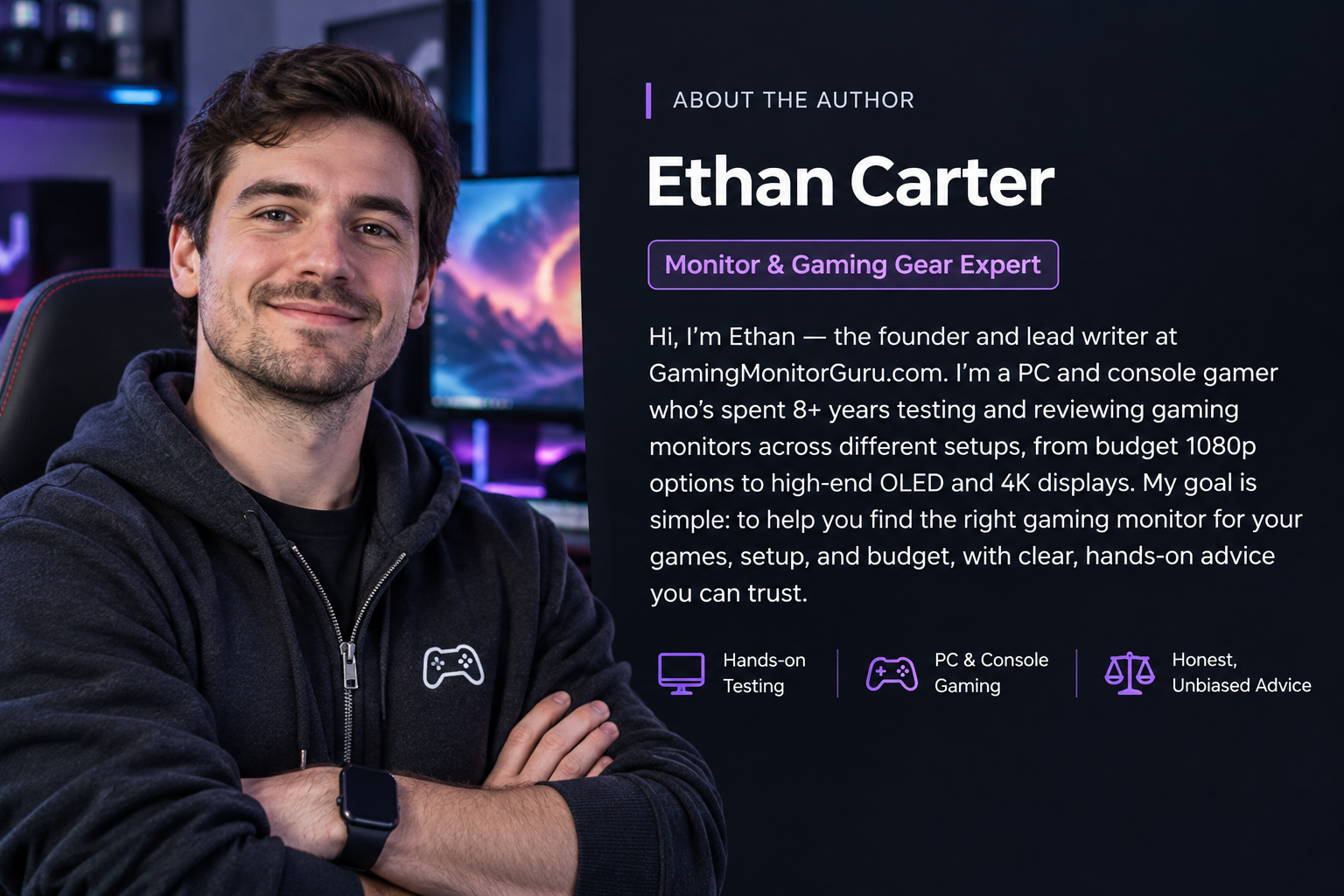
Written and reviewed by Ethan Carter. Specs are checked against the manufacturer and Amazon listings. See our editorial policy and review methodology. Last reviewed: November 2026.
Write Your Review
No reviews yet. Be the first to share your experience!