

Black Friday is the best time of the year to upgrade a gaming monitor, but it is also full of fake “deals” and inflated list prices. The smartest approach is to decide which monitors you would happily buy at a normal price, then watch those for a real drop. That is exactly what this guide does for Black Friday deals for gaming monitors.
We picked 8 gaming monitors from budget QHD to 4K and OLED, using the specs listed on Amazon. Prices change daily and during the sale, so we do not quote them: use each Check Price button to see the live price. If you play on console, see our best gaming monitors for PS5 and Xbox Series X monitor guide; if you are also watching the Monday sales, read our Cyber Monday monitor deals.
A good Black Friday plan has three steps. First, decide your resolution and budget. Second, shortlist two or three monitors you would be happy with at a normal price. Third, check the live price on the day and buy only if it clearly beats what the monitor usually costs. Every monitor in this guide is a solid product on its own, so a discount is a bonus rather than a reason to buy something you do not need.
Top 3 Black Friday Gaming Monitors to Watch at a Glance


Best Black Friday Gaming Monitor Deals to Watch in 2026
Every monitor below is a good buy at a sensible price. Compare them side by side, then check the live price on Amazon.
| # | Monitor | Size / Resolution | Refresh | Panel | Best for |
|---|---|---|---|---|---|
| 1 | ASUS TUF Gaming VG27AQ3A | 27″ 1440p | 180Hz | Fast IPS | Best Overall Value |
| 2 | Samsung Odyssey G5 G51F 32″ | 32″ QHD | 180Hz | Gaming LCD | Best Big-Screen Budget Pick |
| 3 | Z-Edge 27″ Curved QHD 240Hz | 27″ 1440p | 240Hz / 165Hz / 144Hz | Curved | Best Cheap Curved Pick |
| 4 | LG UltraGear 32GS60QC-B | 32″ QHD | 180Hz | Curved 1000R | Best Curved 32-Inch |
| 5 | LG UltraGear 27G810A-B | 27″ 4K | 180Hz (FHD 360Hz) | IPS | Best 4K Dual-Mode |
| 6 | Sony INZONE M9 II | 27″ 4K | 160Hz | Full-array LED | Best Premium HDR Pick |
| 7 | INNOCN 27″ QD-OLED 2K 280Hz | 27″ 1440p | 280Hz | QD-OLED | Best OLED to Watch |
| 8 | Acer Nitro KG271U Z2bmiipx | 27″ 1440p | 275Hz | IPS | Best High-Refresh QHD Pick |
1. ASUS TUF Gaming VG27AQ3A – Best Overall Value
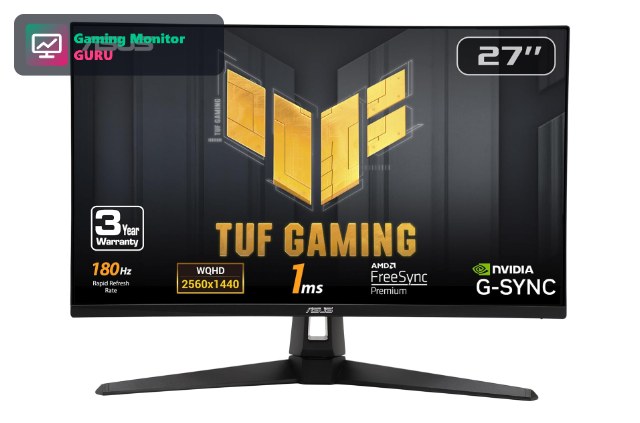
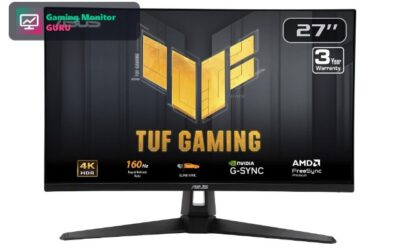
The VG27AQ3A is the easiest monitor to recommend for a Black Friday upgrade. It combines a 27-inch 1440p Fast IPS panel with a 180Hz refresh rate, 1ms response and G-SYNC compatibility, which covers almost every kind of game.
It also carries a 3-year warranty and, according to the listing, works with PS5 and Xbox, so it is a safe pick if you are not sure whether you will game on console, PC or both. If the live price dips, this is the one to grab.
A useful way to judge any Black Friday monitor deal is to ask what you would pay for it in a normal week. For a 27-inch 1440p, 180Hz Fast IPS monitor with a 3-year warranty, a price in the lower end of its usual range is a real deal. If the discount is small, you are not missing much by waiting for the next sale.
Best for: players who want one sharp, fast monitor for PC and console.
May not fit if: you want native 4K or OLED contrast.
2. Samsung Odyssey G5 G51F 32″ – Best Big-Screen Budget Pick
The Odyssey G5 (G51F) is the screen to look at if you want a big display without paying for 4K. It is a 32-inch QHD monitor with a 180Hz refresh rate from Samsung’s gaming line.
Because it is a budget-leaning model, it is a likely candidate for a real Black Friday discount. Read the full listing for port details before you buy.
Large 32-inch monitors are where Black Friday discounts tend to feel biggest, because the list price is higher to begin with. Just remember that a larger screen at the same resolution looks less sharp up close, so make sure your desk allows a comfortable viewing distance.
Best for: shoppers who want a big, smooth QHD screen on a budget.
May not fit if: you sit close and want maximum sharpness.
3. Z-Edge 27″ Curved QHD 240Hz – Best Cheap Curved Pick
The Z-Edge 27-inch curved monitor pairs a QHD resolution with a refresh rate that goes up to 240Hz. That is a lot of speed for a monitor from a smaller brand.
It is the kind of model that often looks attractive during sales. Confirm the warranty terms and input list on the listing before you order.
With lesser-known brands, the discount matters less than the support. Before buying, look at the warranty length, the return window and recent customer reviews so you know what happens if the screen has a dead pixel or a fault.
Best for: players who want a fast curved QHD screen without paying brand premiums.
May not fit if: you want the longest warranty and brand support.
4. LG UltraGear 32GS60QC-B – Best Curved 32-Inch

LG’s 32GS60QC-B is a 32-inch curved QHD monitor running at 180Hz with a 1000R curve and AMD FreeSync. It has two HDMI ports and a DisplayPort, so it is easy to connect a PC and a console at the same time.
LG also adds gaming features such as Black Stabilizer and a crosshair. It is a good choice if you want a big, curved screen from a major brand.
The 1000R curve is fairly aggressive, which many players love for immersion and some find distracting for desktop work. If you also use the monitor for spreadsheets or design, consider whether a curved panel suits you.
Best for: players who want an immersive curved 32-inch QHD screen.
May not fit if: you prefer a flat panel or want 4K.
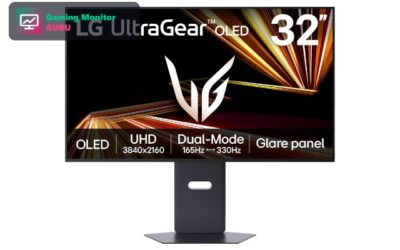
5. LG UltraGear 27G810A-B – Best 4K Dual-Mode

If you want to buy 4K this Black Friday, the 27G810A-B is a strong candidate. It is a 27-inch 4K IPS monitor that can run at 180Hz in 4K or switch to a 360Hz Full HD mode for competitive play.
HDMI 2.1 means it will also work with the latest consoles. It is likely to see discounts, so keep it on your watchlist.
4K gaming monitors are the category where sale prices can save the most money, because they cost more at full price. If you have a graphics card that can handle 4K, or you play on console, this is the type of monitor to watch most closely.
Best for: players who want 4K for visuals and a fast mode for shooters.
May not fit if: you want deep HDR contrast.
6. Sony INZONE M9 II – Best Premium HDR Pick

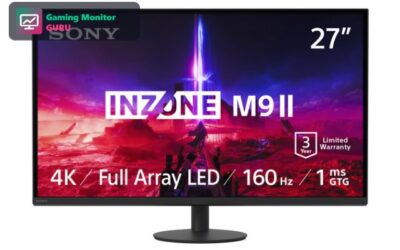
The INZONE M9 II is the premium LCD pick in this list. It combines a 27-inch 4K panel with full-array local dimming and DisplayHDR 600, which gives HDR games more contrast than edge-lit screens.
Premium monitors are where Black Friday discounts matter most. If it drops to a price you like, it is a strong all-round buy for PC and console.
Premium HDR monitors rarely drop to budget prices, but a 15 to 25 percent discount on a monitor like this is a big saving in absolute terms. Compare it against the other 4K models in this list before you decide.
Best for: players who want top HDR picture quality in 4K.
May not fit if: you are on a tight budget.
7. INNOCN 27″ QD-OLED 2K 280Hz – Best OLED to Watch
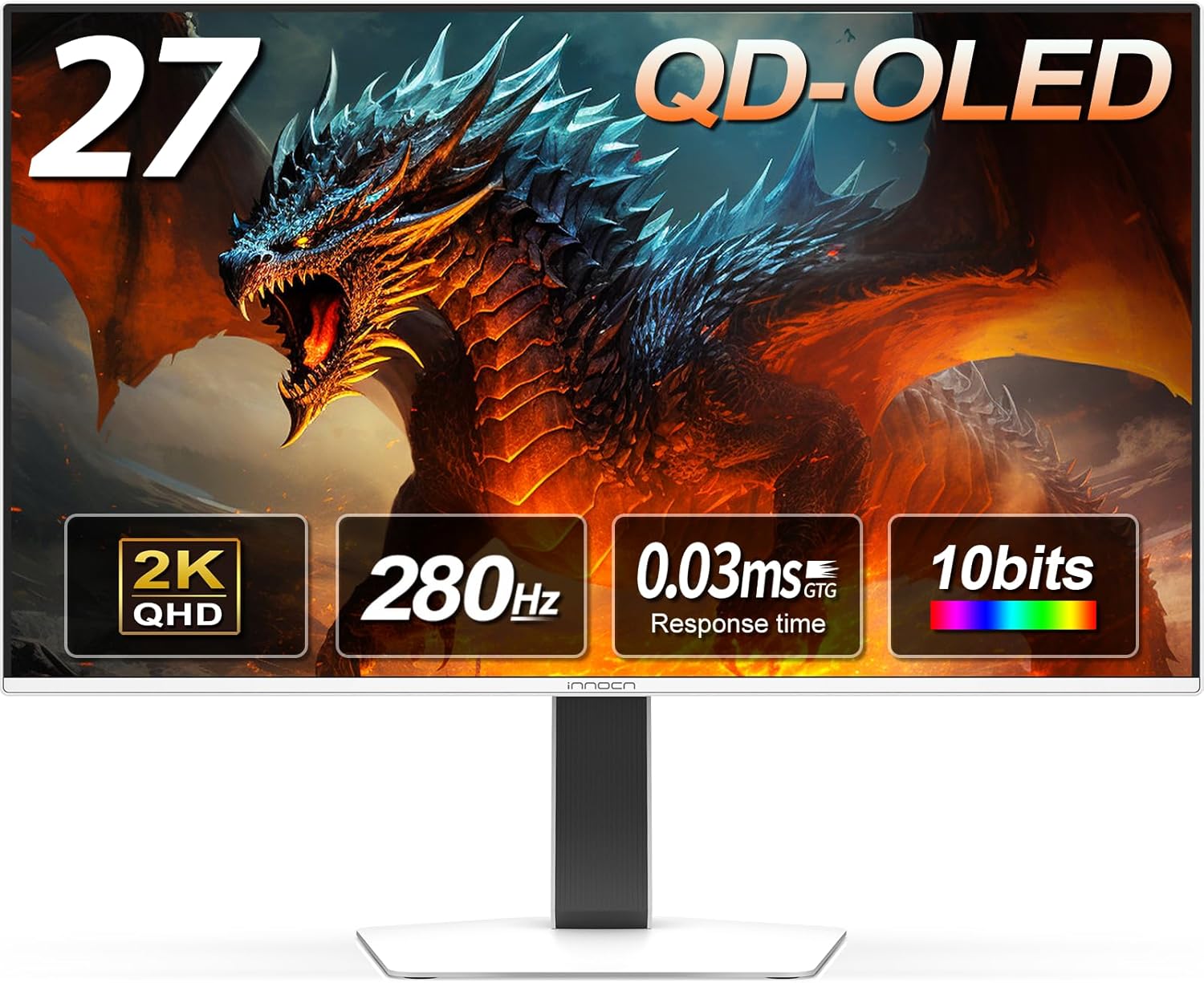
INNOCN’s 27-inch QD-OLED monitor offers a 1440p panel, a 280Hz refresh rate and a 0.03ms response time. OLED gives you true blacks and fast pixel response that LCDs cannot match.
OLED monitors are often discounted on Black Friday. Check the live price and warranty before you buy.
OLED panels can show burn-in risk if the same static elements stay on screen for a long time. Use a dark theme, hide the taskbar when possible and check the warranty terms before you buy.
Best for: players who want OLED contrast at QHD resolution.
May not fit if: you play in a very bright room or want a long brand track record.
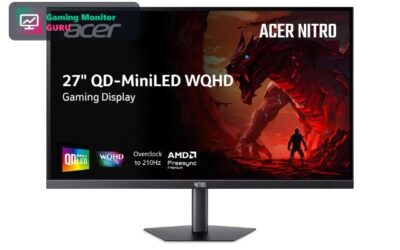
8. Acer Nitro KG271U Z2bmiipx – Best High-Refresh QHD Pick
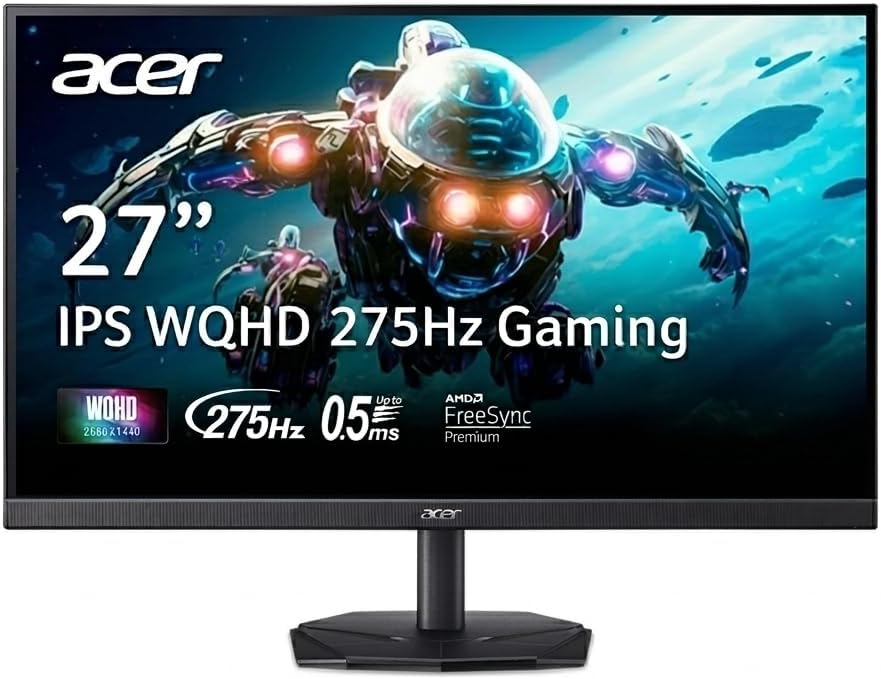
The Acer Nitro KG271U is a 27-inch QHD IPS monitor with a refresh rate that goes up to 275Hz. That is far above the 144Hz that most players need, which is why this kind of monitor is attractive when the price drops during a sale.
At 1440p, a mid-range graphics card can reach very high frame rates in esports titles, so the extra refresh rate is actually usable. It is a good pick for fast shooters and arena games.
Because the title gives limited port details, read the full specification on the listing before you buy.
Best for: competitive PC players who want very high refresh rates at QHD.
May not fit if: you mostly play slower, visually rich games where 4K or OLED matters more.
How to Shop Black Friday Gaming Monitor Deals
Know the normal price first
Many “deals” are only discounts from an inflated list price. Check the price history of a monitor in the weeks before the sale so you can tell a real drop from marketing. Our Check Price buttons show the live price.
A simple habit is to note the price of your shortlisted monitors a few weeks before Black Friday. Price-tracking tools can show history charts. If the sale price is no better than the usual price, skip it and wait for the next promotion.
Pick the right resolution
1440p, like the ASUS TUF VG27AQ3A, is the best balance for most PC gamers. 4K monitors such as the LG 27G810A-B look sharper but need a stronger GPU. See our PS5 monitor guide for console needs.
Remember that resolution and graphics card power go together. A 4K monitor with a modest graphics card will force you to lower settings, while a 1440p monitor keeps frame rates high on almost any recent card.
Refresh rate matters, but not endlessly
144Hz to 180Hz is smooth for most players. Higher values such as 240Hz or 280Hz help in fast shooters, but only if your PC can push those frame rates.
If your graphics card cannot reach the frame rate your monitor supports, the extra refresh rate is wasted. Match the monitor to the PC you actually own, not the PC you might buy later.
IPS, VA or OLED
IPS has good colours and viewing angles, VA offers more contrast, and OLED has the best blacks and response times. OLED prices often fall during Black Friday; watch OLED monitors on sale.
IPS is the safe all-rounder, VA is a good budget option for dark rooms, and OLED is the premium choice for contrast. Think about the room where the monitor will sit: bright rooms favour IPS, while dark rooms favour OLED.
Check ports and warranty
Look for HDMI 2.1 if you play on console, and read the warranty terms, especially for smaller brands.
A monitor with two HDMI ports and a DisplayPort is flexible if you plan to connect a PC and a console. Also look at the return policy so you can send it back if you see dead pixels.
Frequently Asked Questions
When is Black Friday 2026?
Black Friday 2026 falls on 27 November. Many retailers start early deals before then, and Cyber Monday follows on 30 November.
Early sales often start in the week before, and some retailers extend deals through the weekend and Cyber Monday. If you see a great price on a monitor you want, it is usually better to buy than to wait.
Are Black Friday monitor deals really cheaper?
Some are, but many are small discounts or inflated list prices. Compare the live price with the monitor’s recent price before you decide.
A good deal usually means a price at or below the lowest price in the last few months. Use the Check Price buttons and a price history tool to confirm.
What is the best gaming monitor to buy on Black Friday?
For most players, a 27-inch 1440p monitor such as the ASUS TUF VG27AQ3A offers the best balance. If you want 4K, look at the LG 27G810A-B; for OLED, the INNOCN QD-OLED.
The right choice depends on your PC and budget. Players with a mid-range graphics card should lean towards 1440p, while owners of high-end cards or consoles can step up to 4K.
Should I wait for Cyber Monday?
Monitors are discounted on both days. If you see a price you like on a model you want, buy it; stock can run out. See our Cyber Monday monitor deals as well.
Some retailers refresh their deals on Cyber Monday, and sometimes new discounts appear on monitors that were not on sale on Friday. If you are flexible, compare both days.
Final Verdict
For most shoppers, the ASUS TUF Gaming VG27AQ3A is the best Black Friday gaming monitor to watch: sharp 1440p, 180Hz and a 3-year warranty. The Samsung Odyssey G5 G51F is the budget big-screen option, and the LG UltraGear 27G810A-B is the 4K pick.
Set a target price, check it on Amazon with the Check Price buttons and buy only when it is a real drop. For clearance and other sale ideas, read our monitor clearance deals guide.
Write Your Review
No reviews yet. Be the first to share your experience!